Learn to use this
Three parts, a minute each. Click a demo to watch it; click again to pause.
1 · Pick a city, price a trip
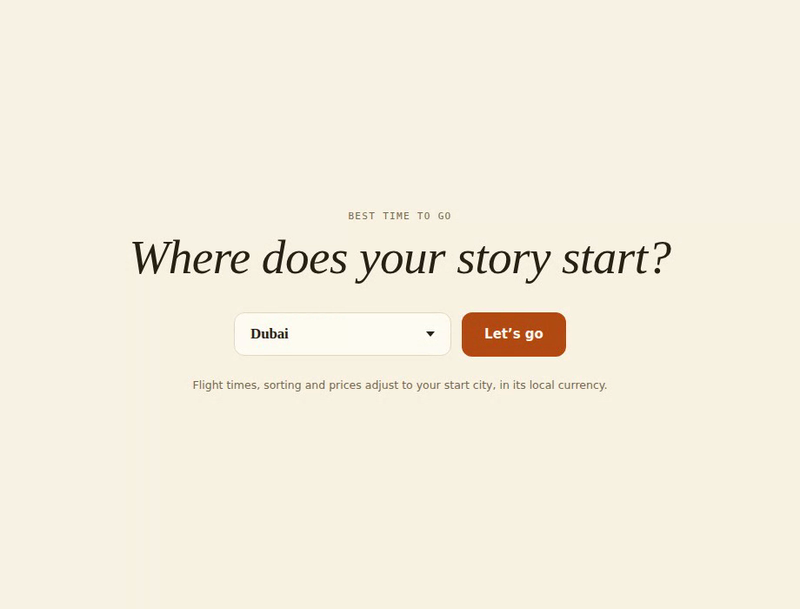
Choose your start city on the opening screen (the site suggests the nearest one). Then, in Quick budget, type any country: you get the flight route on the map, a rough per-person cost in your own currency, and a When to go box listing the best travel windows and why. Adjust nights and travellers with the +/− buttons; every figure updates instantly. When you like what you see, use the Share this trip buttons to send the exact plan to a friend — the link reopens the site with everything already filled in.
 ▶ Watch how
Quick budget: country, nights, travellers → cost, route and travel windows.
2 · Ask it backwards
Below the budget sits Where can I go? — the same question in reverse. Type a total budget, pick a month (or leave it on “any”), and every country that fits appears, split into fits whenever you book, fits off-peak and almost. Tap any result and it loads straight into Quick budget above, with the map and share buttons ready.
3 · Plan for the year
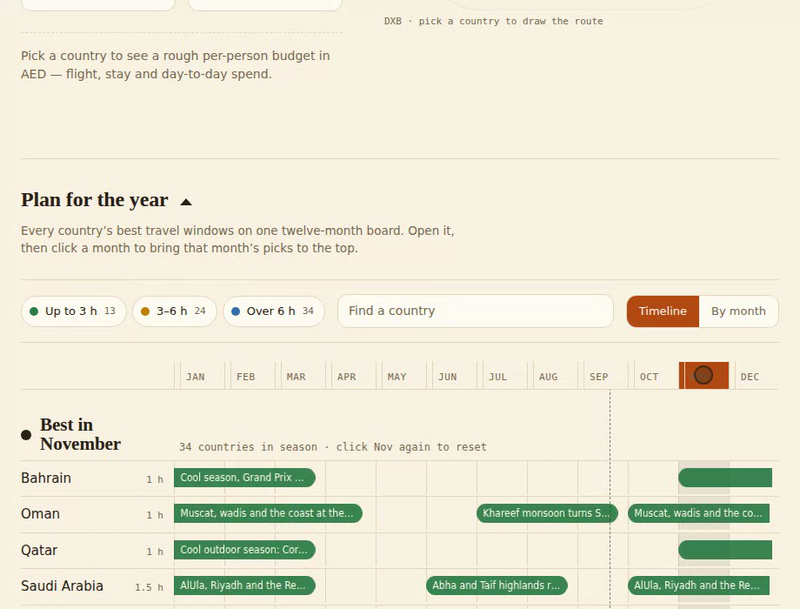
Lower down, open Plan for the year (the triangle expands it). Every country sits on a twelve-month board: coloured bars mark its best windows, and the colour tells you how long the flight is from your city. Click a month name to bring that month’s in-season countries to the top; click a country row for the reason behind each window; or switch to By month to browse one month at a time. The search box and the flight-time filters narrow the board.
 ▶ Watch how
Plan for the year: click a month, filter by flight time, or browse month by month.